Your personal dashboard with quick access to your most-used apps, recent activity summary, and notifications.
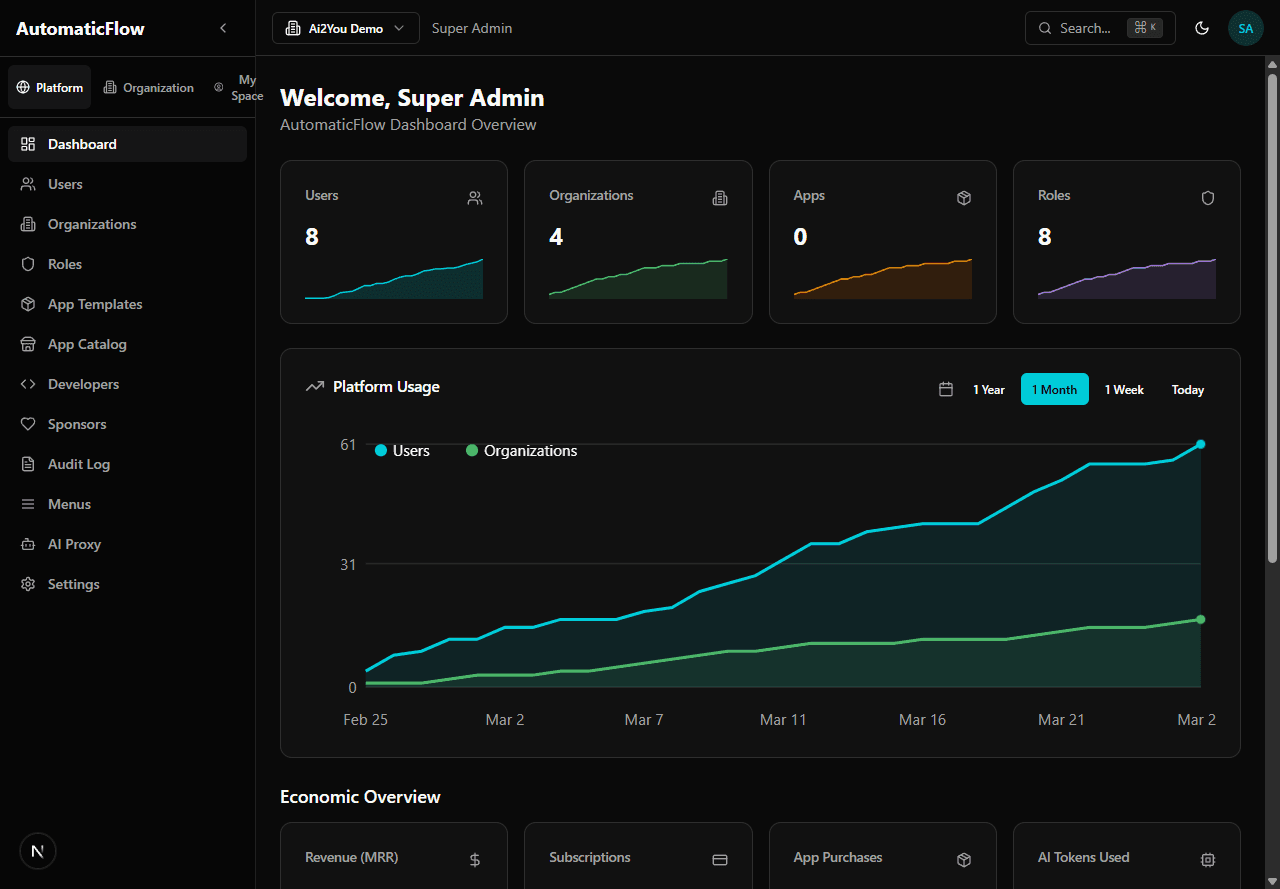
Dashboard home — quick access to your apps and recent activity
View and edit your personal information.
- Name: your display name
- Email: your login email (cannot be changed)
- Password: change your password (must meet strength requirements)
- Telegram Integration: link your Telegram account for notifications
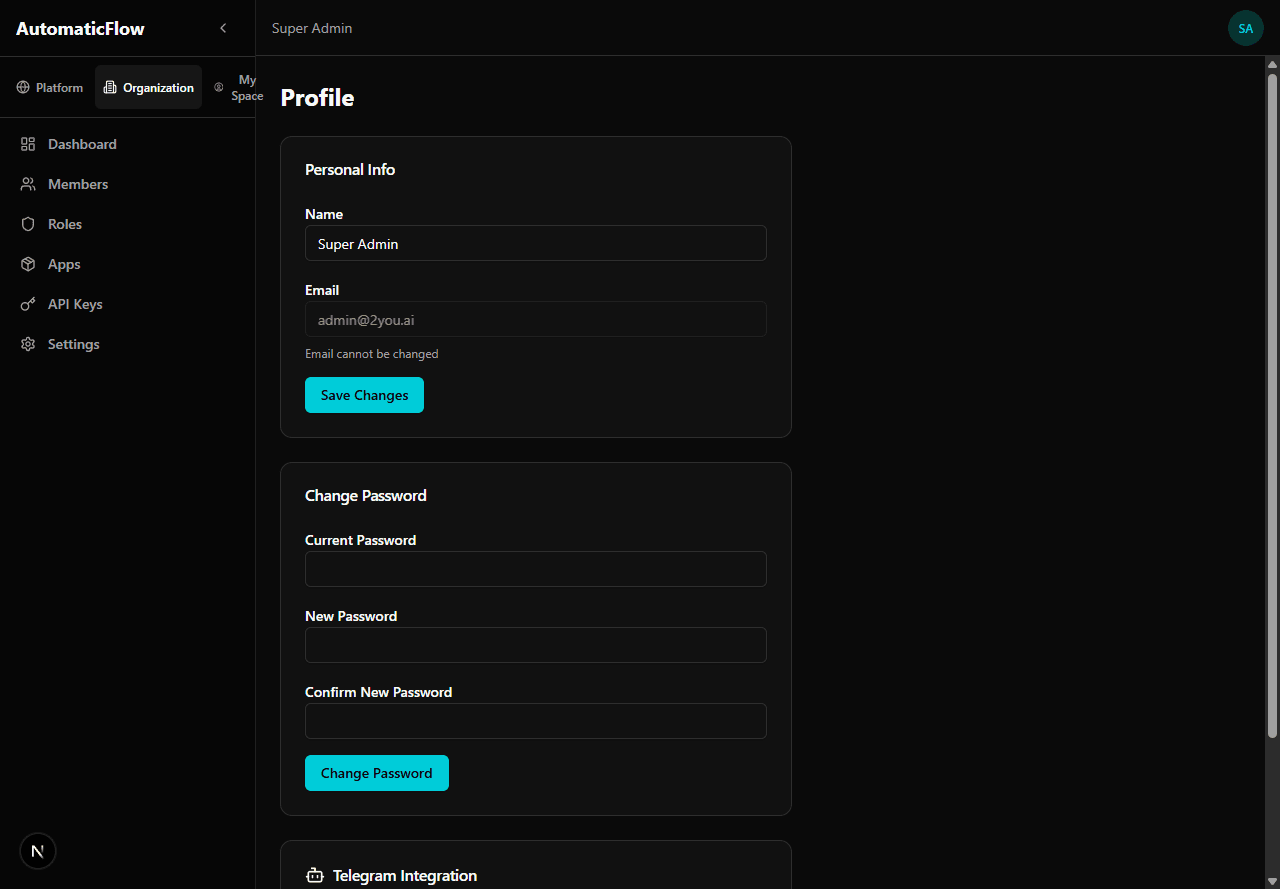
Profile page — edit your name, change password, and link Telegram
Quick access to applications you have permission to use.
- Grid of app cards with status indicators
- Click to launch app directly
- Only shows apps your role has access to
Status indicators:
Apps auto-stop after 12 hours of inactivity. Click to restart — your data is preserved.
Monitor your AI token consumption and limits.
- Monthly usage: tokens consumed this month
- Remaining quota: how many tokens you have left
- Usage by provider: OpenAI vs Anthropic breakdown
- Cost estimate: approximate cost based on provider pricing
- History: monthly trend over last 6 months
Rate limits: 30 requests/minute for AI routes
When limit reached, requests are temporarily blocked (Retry-After header)
I can't see some menu items?
Menu visibility depends on your role. Contact your organization Admin to request additional permissions.
My app shows as "Stopped"?
Apps auto-stop after 12 hours of inactivity. Click the app to restart it — your data is preserved.
How do I change my organization?
Switch to the ORG tab and use the organization selector dropdown. If you only belong to one organization, you won't see the selector.
What's the Command Palette?
Press Ctrl+/ to open an AI-powered search. Type what you want to do in natural language (e.g., "edit my profile", "view AI usage").